Accept Credit Cards Without a Machine: 3 Ways
You don't need a card reader to accept credit cards. 3 tools cover it: a virtual terminal, an invoice link, and a hosted payment page. Here is how.
By Jeffrey Anderson
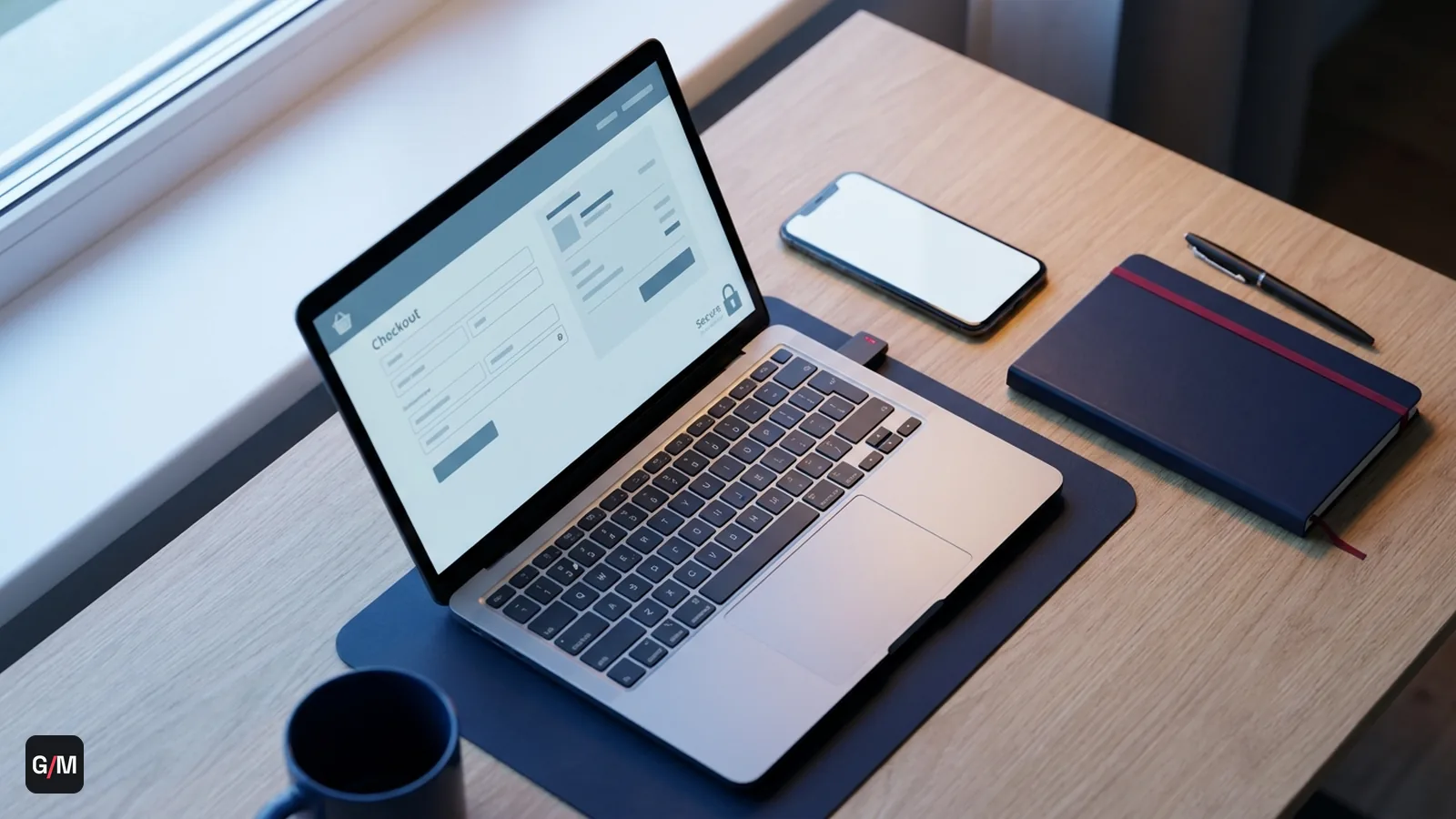
- A virtual terminal, invoice link, and hosted payment page all accept full credit card payments with zero physical hardware: no reader, no terminal required.
- Card-not-present transactions like these carry higher interchange than a card-present sale, since the cardholder isn't verified in person, but that's a card-network rule, not a provider markup.
- Hosted payment pages and invoice links shrink your PCI compliance scope by keeping card data off your own servers entirely, unlike a self-built checkout form.
- The four methods aren't interchangeable. A virtual terminal suits phone orders, an invoice link suits project work, and a hosted payment page suits a site with no checkout of its own. Pick by how the customer actually reaches you.
- Card-not-present transactions, the category every no-hardware method falls into, already make up 34.4% of total debit card volume and nearly half of total debit transaction value, a meaningful and growing share of the payment system.
Accepting credit cards without a machine is standard practice for a lot of businesses. Service providers, consultants, B2B sellers, and phone-order businesses never need a physical card reader at all. Three tools cover almost every no-hardware scenario: a virtual terminal, an invoice or payment link, and a hosted payment page.
Why no-hardware payment collection keeps growing
The scale of this shift is worth naming directly. More service businesses, consultants, and B2B sellers are moving off paper invoices and manual bank transfers entirely, in favor of a link a customer can pay from their phone in seconds. Part of the incentive is speed: a payment collected through an online invoice link typically clears far faster than one still waiting on a mailed check or a manual bank transfer.
That growth tracks a broader shift in how payments get collected generally. Card-not-present transactions, which cover every no-hardware method in this guide, made up 34.4% of total debit card volume and nearly half of total debit transaction value in the Federal Reserve's most recent payments study. A business that never touches a physical card is no longer a small edge case in the payment system. It's a meaningful and growing share of it.
Virtual terminal: type in the card instead of swiping it
A virtual terminal is a secure web page where you manually key in a customer's card number, expiration date, and CVV. No hardware is required. It works over the phone, by mail order, or from your back office when a customer reads their card number to you directly. Because there's no physical card present, these are card-not-present transactions. They carry higher interchange than a chip-read sale, but for a business that never sees the card in person, a virtual terminal is often the only realistic option. If phone and mail orders are the bulk of how you sell, that volume falls under MOTO payments specifically, and it's worth setting up an account underwritten for that pattern rather than treating it as an edge case.
Invoicing and payment links: let the customer pay themselves
Invoicing and pay-by-link tools send a customer a secure link by email or text. They enter their own card details on a hosted page, and the payment settles to your account. This removes you from handling card data entirely, which shrinks your PCI compliance scope significantly. It's the standard model for retainer billing, service invoices, and one-off payments where you'd rather not read a card number aloud or key it in yourself.
Hosted payment pages: for a checkout without building one
Hosted payment pages work like an invoice link, but built into a storefront or booking flow instead of a one-off request. The payment form is hosted by the gateway, not by your own server. Card data never touches your infrastructure. That keeps you in a lighter tier of PCI DSS compliance than a self-built checkout, since the sensitive fields never route through code you maintain.
Mobile payments: no reader, but not touch-free either
Worth separating from the no-hardware category: mobile payments using a phone or tablet reader still require hardware, just smaller and more portable than a countertop terminal. If avoiding hardware entirely is the goal, for a fully remote or phone-based business, a virtual terminal or payment link is the better fit than a mobile card reader.
Why "no card data touches your servers" actually matters
It's worth being specific about what invoice links and hosted payment pages actually save a business, beyond convenience. Every system that stores, processes, or transmits card data falls inside PCI DSS compliance scope, and the audit burden, documentation requirements, and liability exposure scale with how much of that data your own infrastructure ever sees.
An invoice link or hosted payment page routes the customer straight to the gateway's own hosted form. The card number, expiration date, and CVV never pass through your website, your email system, or your database at any point. That keeps a business in the lightest PCI compliance tier available (commonly SAQ A), instead of the far heavier scope that applies to a self-built checkout form or a system that stores card numbers directly. For a small service business or solo consultant with no dedicated IT or compliance staff, that scope difference is often the deciding factor in which tool actually gets used day to day, not just a technical footnote.
Which one actually fits your business
Use a virtual terminal for phone or mail orders where you're keying in the card yourself. Use invoicing for retainers, service work, or B2B billing where the customer should self-serve. Use a hosted payment page for a storefront or booking flow you don't want to build a custom checkout for. Many businesses end up using two of the three (a virtual terminal for phone orders and invoicing for recurring service billing, for example), settling to the same dedicated merchant account either way.
Frequently asked questions
Can I accept credit cards without buying any equipment?
Yes. A virtual terminal, invoice link, or hosted payment page all accept full credit card payments without a physical card reader, terminal, or any hardware purchase.
Is it safe to key a customer's card number into a virtual terminal?
Yes, when the virtual terminal is PCI-compliant, which tokenizes the card data on entry rather than storing raw numbers. The connection is encrypted the same way an online checkout is.
Do card-not-present transactions cost more to process?
Generally yes. Card-not-present transactions, including virtual terminal and invoice payments, carry higher interchange than a chip-read, card-present sale because the cardholder isn't verified in person, which card networks price as higher fraud risk.
What's the difference between an invoice link and a hosted payment page?
An invoice link is a one-off payment request sent for a specific amount. A hosted payment page is a reusable checkout embedded in a storefront or booking flow, built by the gateway so you never have to code your own payment form.
Does using a payment link actually get me paid faster?
Often, yes. Businesses using online invoice payments get paid up to twice as fast as those relying on manual collection like mailed checks or emailed PDF invoices with bank-transfer instructions, largely because the customer can pay immediately from the link instead of initiating a separate transfer later.
Which PCI compliance tier applies if I use a hosted payment page instead of building my own checkout?
A hosted payment page or invoice link typically keeps a business in the lightest PCI compliance tier (commonly SAQ A), since card data never touches your own servers. A self-built checkout form that handles card fields directly falls into a much heavier compliance scope, with more documentation and audit requirements.
Want to accept cards without buying hardware? Apply free for a dedicated account with virtual terminal and invoicing built in, or talk to a specialist about which option fits how you bill.
Jeffrey Anderson, Merchant Placement Specialist
Merchant placement specialist at Gray Merchants. Jeffrey works directly with acquiring-bank underwriting teams across the firm’s 70+ banking relationships to place high-risk and hard-to-place businesses, structure multi-MID accounts, and keep flagged merchants processing. His writing draws on the placement files he works every week: what underwriters ask for, why accounts get declined, and what keeps an approved account open.